
sped up
A lead agent on every project
Each project gets its own Nayo. You talk to it, and it talks to the workers.
31 features · version 2.9.1
Everything Araniko does, in six groups and one line each. It takes about a minute.
01 · Nayo
You say what you want once. Nayo plans it, staffs it, checks it and merges it.
Each project gets its own Nayo. You talk to it, and it talks to the workers.
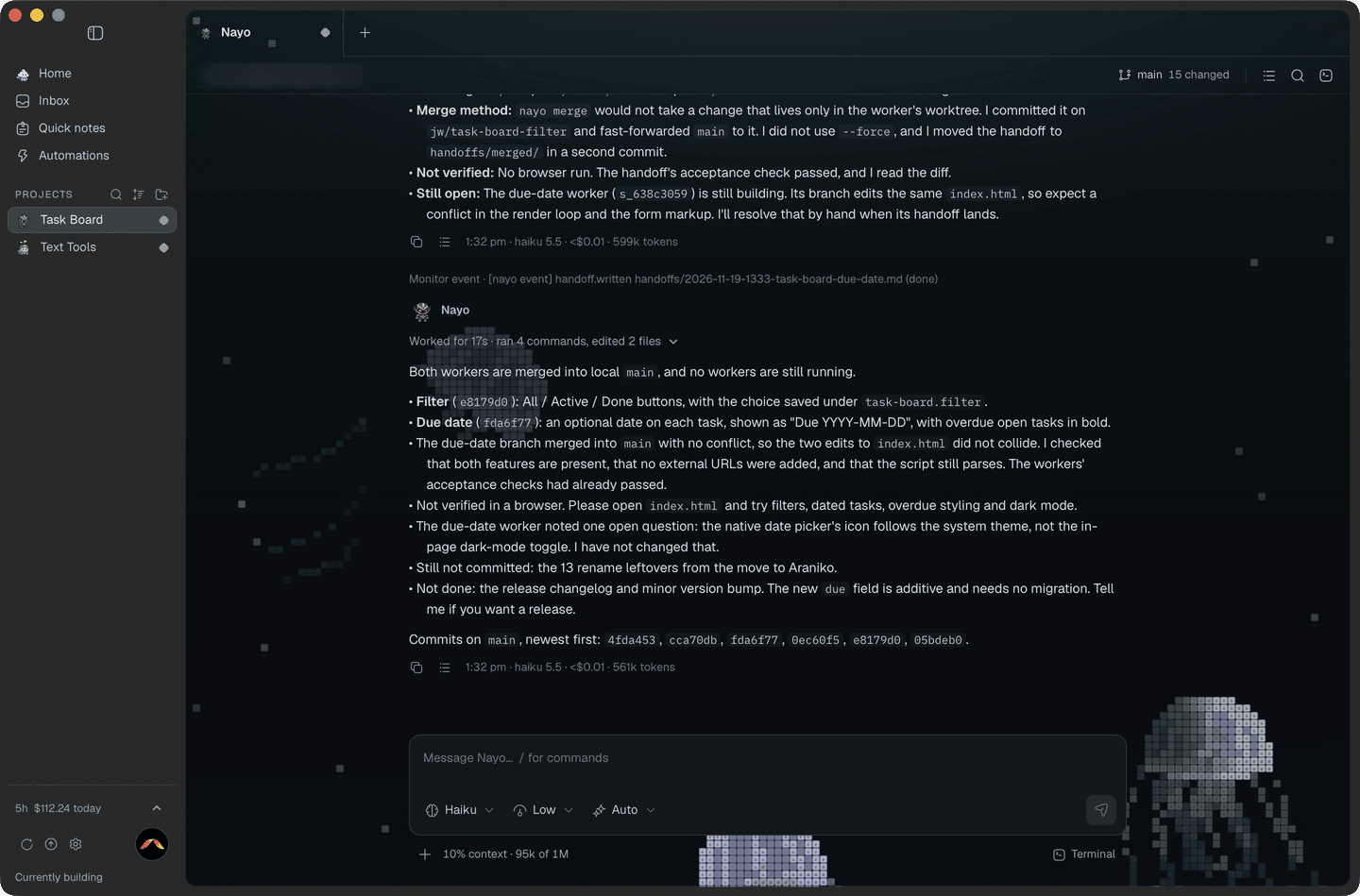
Nayo reads every handoff and its diff, then commits and merges what holds up.
Every worker gets a written brief: the goal, the files it may touch, and how it gets checked.
Five at once by default, up to twenty if you raise it, each in its own session.
Big jobs are cut into phases. Each worker does one and hands off, and the next starts fresh.
Your build, lint and tests run on each handoff before Nayo merges it.
Big changes are read by a different agent before they merge.
The libraries and design rules you save go into each brief, so no worker forgets them.
02 · Agents
Araniko drives the coding CLIs on your Mac. It doesn't sell you a model.
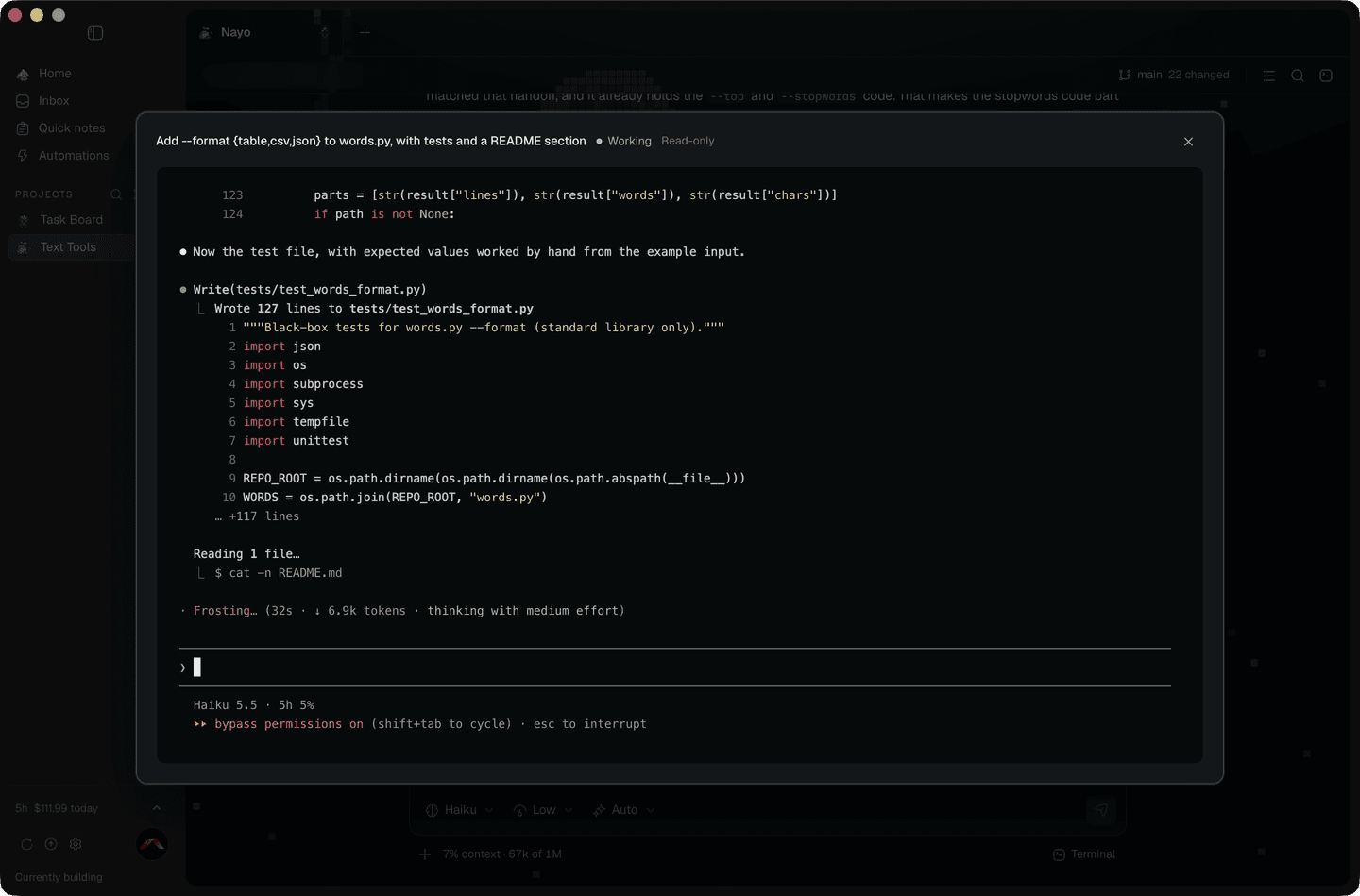
Every worker is a live session you can open, read and type into.
Claude Code, Codex, OpenCode and Grok work out of the box.
Nayo picks a tier for each brief (top, workhorse or light) and maps it to the agents you've connected.
Change which agent Nayo itself runs on, from a picker.
Any ACP agent can be a worker. Describe it once in agents.yaml.
03 · Accounts
Araniko watches each login's 5-hour window and keeps work moving.
Each login gets a green, amber or red band, and amber and red say why.
Keep more than one Claude Code or Codex account signed in at once.
When a login nears its limit, the session carries on under one with room.
Pin a project to one account, or let auto pick the one with the most headroom.
See which login each worker is spending, right in its heading.
04 · Reaching you
Ideas get in from any app. Questions get out to you, wherever you are.
Select text in any app, tap Shift twice, and it's filed.
When Nayo needs you, the question drops out of the notch over whatever you're doing.
A quick pick sends each capture to the project it belongs to.
Several questions stack together, with a single Send.
Nothing drops down if that chat is in front or the project is muted. No notch? It's a pill in the menu bar.
05 · Above it all
Start the day at Home, not in nine terminals.
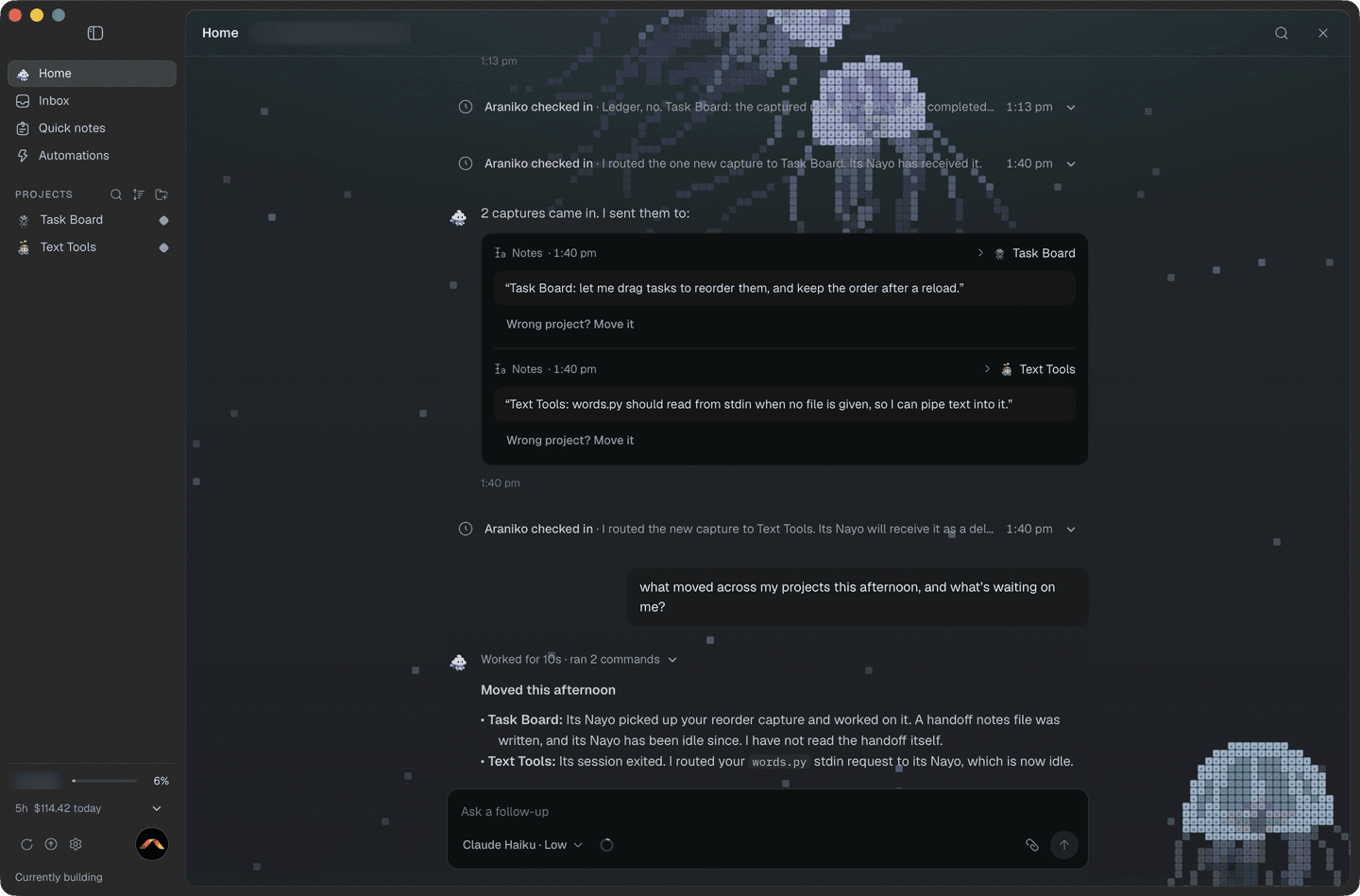
Every project on one screen, with what needs you first.
Home has its own agent, which works over all your projects at once.
Start from fourteen templates, like an issue assigned to you, a PR opened or checks failing.
Send feedback with screenshots from inside the app, and follow your requests.
06 · The workshop
The parts you notice once, and then rely on.
Night garden
Jellyfish, Trench, Night garden or Sharks, drawn in little tiles behind your work.
Share one checkout, or give a job its own git worktree so two can edit the same file.
Nayo can tag, deploy and upload a release when the work calls for it, and tells you where it went.
Signed updates download and install, then Araniko relaunches.
The rest happen while you're doing something else.
macOS · Apple silicon · version 2.9.1